

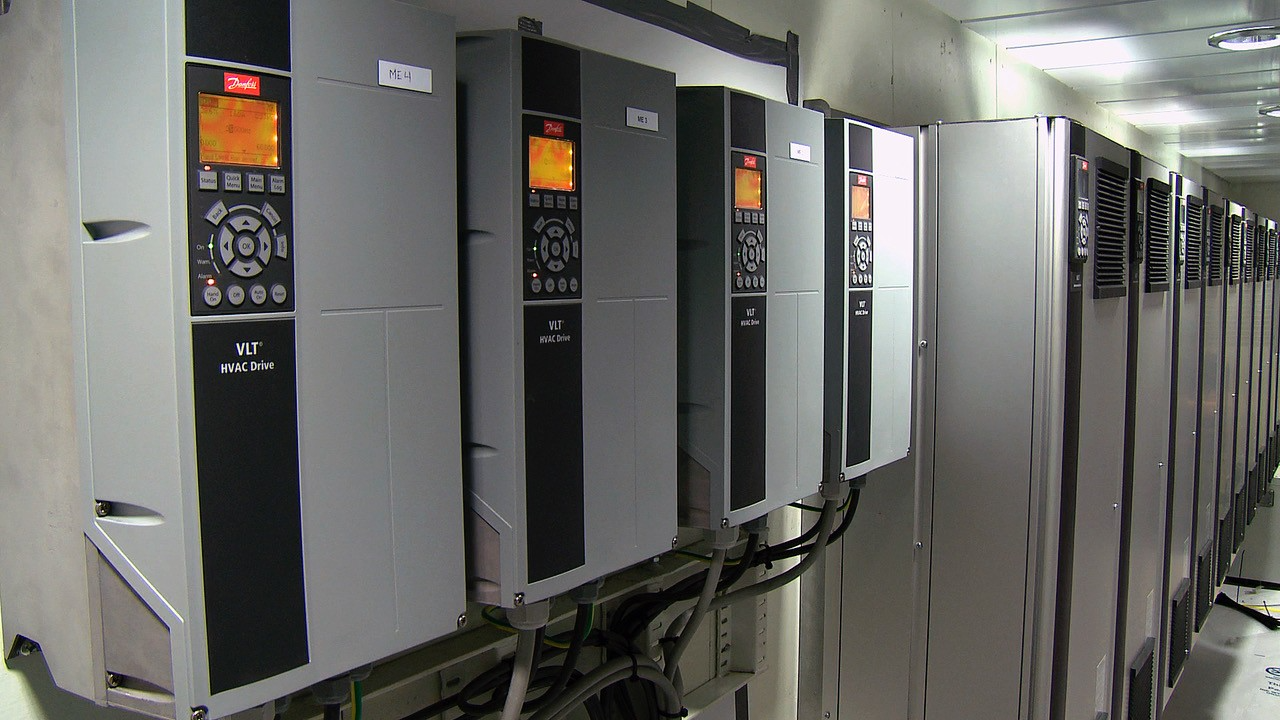
When a VFD needs to be serviced or replaced, the drive itself is only part of the job.
A replacement drive still needs the right setup behind it. Parameters carry the motor data, control setup, limits, and application-specific details that make the drive behave correctly in the system. If those settings are missing, incomplete, or copied incorrectly, a straightforward replacement can turn into a longer troubleshooting process.
On Danfoss VLT FC drives with a graphical LCP, parameters can be copied from the drive to the panel, or from the panel back into a compatible drive. That can help preserve an existing setup before service, support replacement work, and reduce the time spent rebuilding settings manually.
The steps below apply to Danfoss VLT FC drives that use the graphical LCP, including common FC families such as HVAC Drive FC 102, AQUA Drive FC 202, and AutomationDrive FC 301/302. The VLT Micro Drive FC 51 works differently, so always confirm the process against the Danfoss manual for the specific drive in front of you.
Before you start
Before copying parameters, confirm:
- the drive family and model
- the application
- the control panel type
- whether the replacement drive is the same size and configuration
- the correct Danfoss manual for the model and firmware
Parameter copy works with the graphical control panel, also known as the GLCP or LCP 102. The numeric panel, or NLCP / LCP 101, does not have storage or copy functionality, so the copy option will not appear.
If the drive has a numeric panel, use a PC with Danfoss MCT 10 Set-up Software to back up the settings instead.
The motor should also be stopped before copying parameters. This work should be completed by qualified personnel following the appropriate Danfoss documentation for the drive model being serviced.
Use care when copying settings between drives that are not identical. If the replacement drive is a different power size, a full copy may not be the right choice. Where supported, the “Size indep. from LCP” option may be the better choice than a full copy because it transfers application settings without overwriting size-specific motor data.
Confirm the correct option against the manual for the model and firmware you are working with.
How to copy parameters from the drive to the LCP
On the Danfoss menu, this function is called All to LCP.
This is the backup step: it copies the drive’s parameter settings from the VFD onto the graphical LCP.
Use this when saving the existing setup before service, replacement, or parameter changes.
The basic process is:
- Stop the motor.
- Go to Main Menu.
- Navigate to parameter 0-50 LCP Copy.
- Press OK.
- Select [1] All to LCP.
- Press OK and wait for the copy to complete.
Once complete, the parameter settings are stored on the LCP.
After the copy: check before startup
A successful copy does not automatically mean the drive is ready to run.
Before startup, review the settings that matter most to the application. That includes motor data, operating limits, control setup, inputs and outputs, and any application-specific parameters that affect how the system runs.
If the replacement drive, motor, or operating conditions are not an exact match, some settings may still need adjustment before the equipment can be returned to service.
The LCP copy function can save time, but it does not verify the application for you. If something does not behave as expected after the copy, the issue may not be the copy process itself. It may be a mismatch between the saved setup and the actual equipment.
Confirm the Setup Before Startup
Copying parameters with the LCP can be useful during Danfoss VLT service and replacement work.
It can help preserve settings, reduce manual re-entry, and support faster replacement when downtime matters. The right result still depends on confirming that the copied setup fits the drive, motor, and application.
If you’re working through a Danfoss VFD replacement, parameter transfer, or drive support question, BlueRock can help sort through the options.
Technical References
This article was developed using Danfoss programming documentation for VLT HVAC Drive FC 102, VLT AQUA Drive FC 202, VLT Compressor Drive CDS 803, VLT AutomationDrive FC 301/302, and related Danfoss parameter-copy guidance. Always confirm the procedure against the manual for the specific drive model and firmware being serviced.